
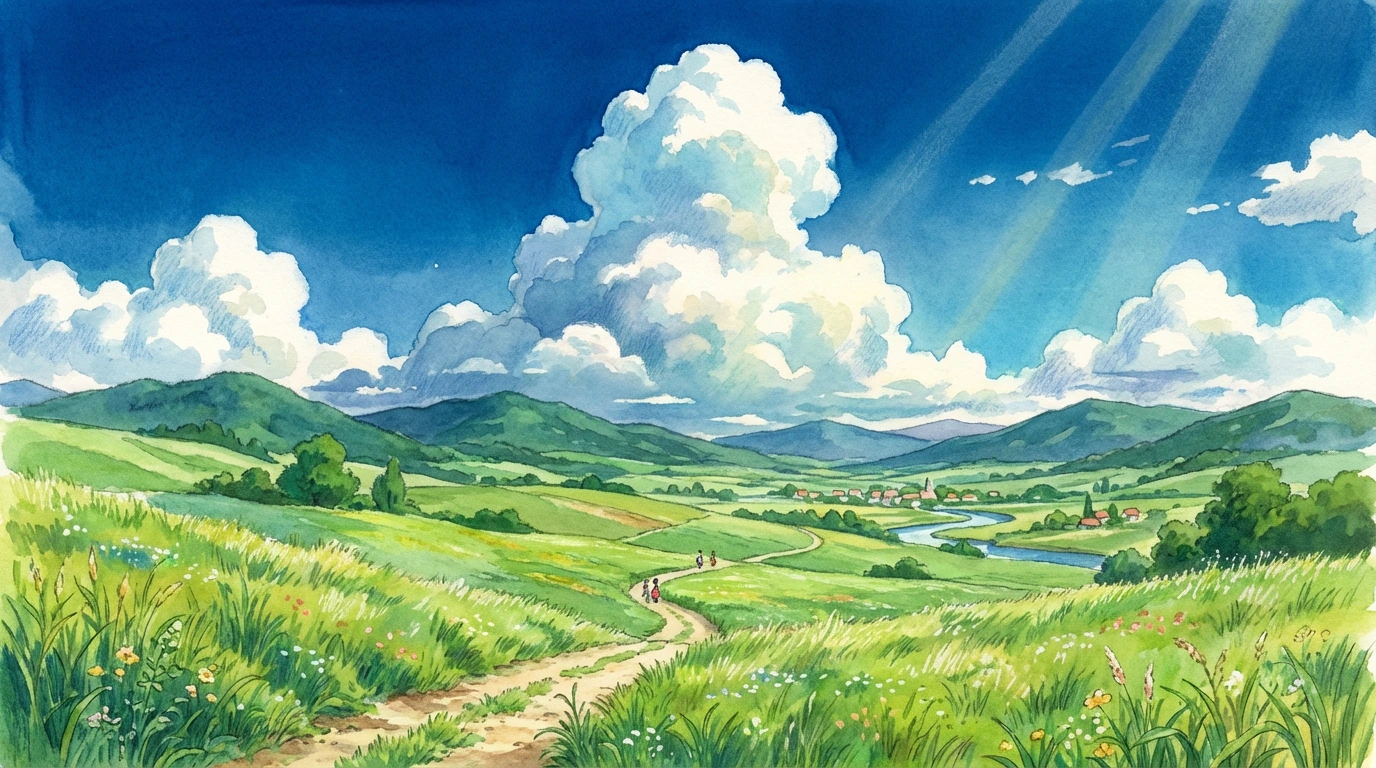
There’s something magical about the Studio Ghibli art style—the vibrant colors, the peaceful clouds, and that nostalgic “hand-painted” feel. If you want to recreate this aesthetic using Gemini AI or Midjourney, you need more than just the word “Anime.” You need a specific blend of artistic keywords.
In this post, we’re sharing a refined prompt to help you generate breathtaking Ghibli-inspired landscapes.
The Magic Behind the Aesthetic
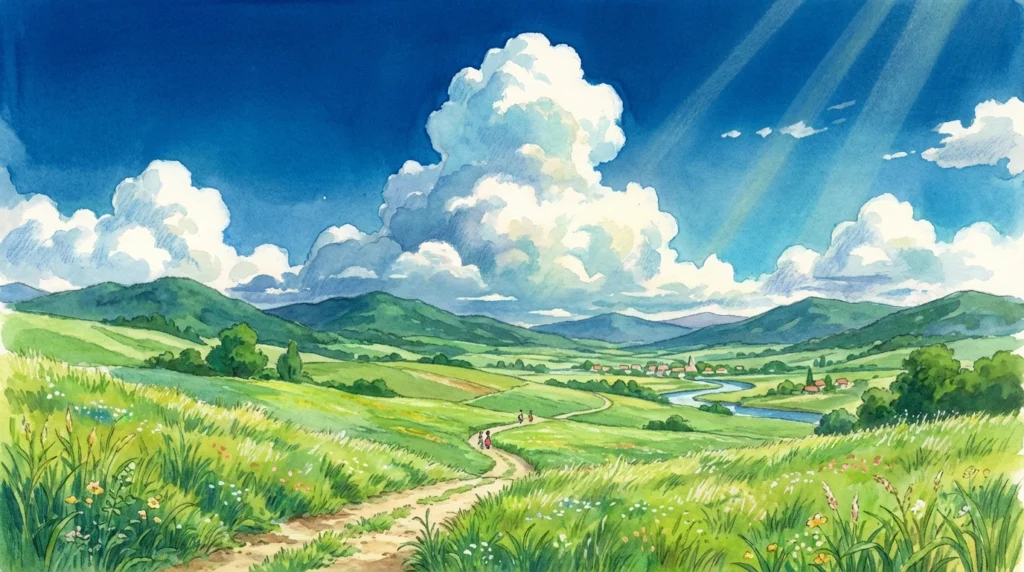
To get that authentic Hayao Miyazaki look, we use keywords like watercolor textures, vibrant greenery, and cumulus clouds. This tells the AI to move away from sharp digital lines and focus on the soft, painterly feel that makes Ghibli films so iconic.
The Result
The Prompt
A breathtaking Studio Ghibli style landscape, lush green rolling hills, a winding dirt path, giant fluffy white cumulus clouds in a deep blue sky, watercolor painting texture, vibrant colors, peaceful summer atmosphere, highly detailed scenery, inspired by Hayao Miyazaki art --ar 16:9 --v 6.0
🛠️ How to Customize This Prompt
Want to make it your own? Try these variations:
- Change the Season: Swap “summer” with “autumn” to get orange and red leaves, or “winter” for a cozy snow-covered village.
- Add a Subject: Add “a small wooden cottage” or “a girl riding a bicycle” to create a focal point in your scene.
- Time of Day: Change the sky to “golden hour sunset” or “starry night” for a completely different mood.
Best Settings for Gemini AI
When using this prompt in Gemini, it responds very well to “artistic style” commands. Make sure to keep the mention of “watercolor painting texture” as it prevents the AI from making the image look too “3D” or “plastic.”
💡 Pro Tip for Anime Creators
Studio Ghibli style works best with a wide aspect ratio. If you are using Midjourney, always add --ar 16:9 at the end. For Gemini, simply state “in wide cinematic format.”
You may like : Best Gemini AI Prompts for Interior Design: Transform Your Room in Seconds