
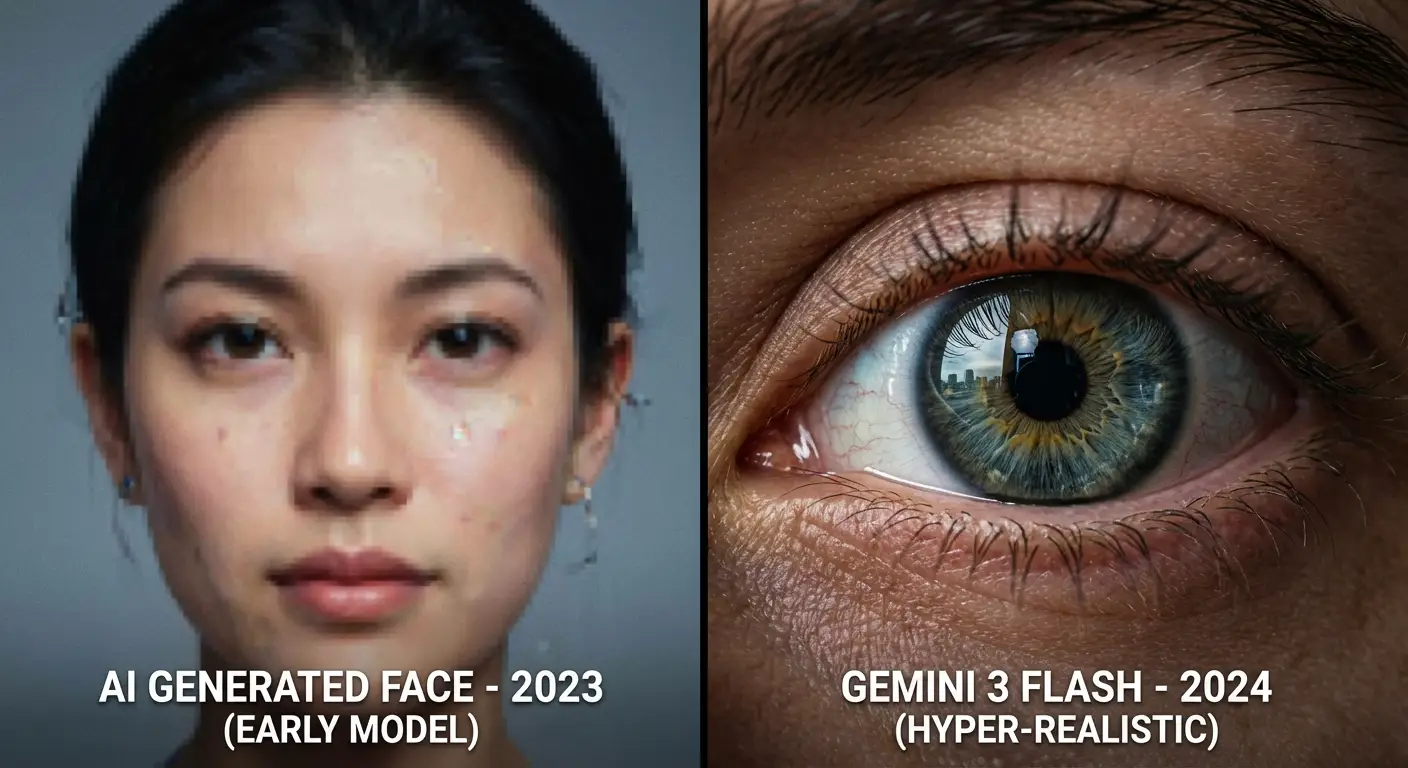
The world of AI image generation is evolving fast, and Google’s Gemini 3 Flash (powered by the Nano Banana 2 engine) is now a top-tier contender for creating hyper-realistic photography. Gone are the days of plastic-looking skin; we are now in the era of “Identity Accuracy” and “Cinematic Textures”.
In this guide, we will explore how to push the boundaries of Gemini to create portraits that look 100% human.
1. Why Gemini 3 Flash is a Game Changer for Realism
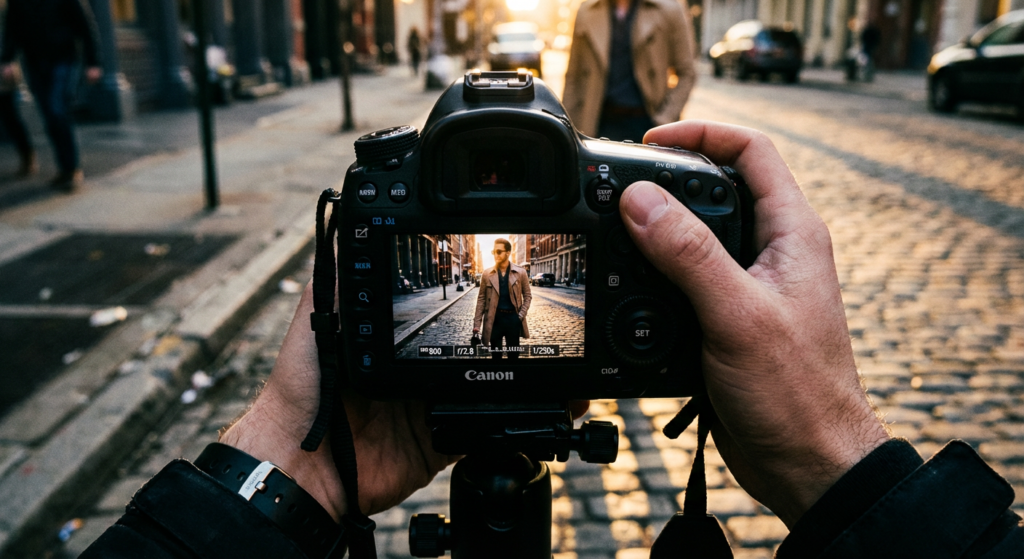
Unlike other AI tools that require complex codes, Gemini 3 Flash excels at understanding Natural Language. It can interpret professional photography terms like “ISO”, “Aperture”, and “Lens Flare” with incredible precision.
Key Features of Nano Banana 2:
- Multi-Image Composition: The ability to maintain style across different generations.
- Texture Accuracy: Improved rendering of skin pores, fabric fibers, and environmental reflections.
- High-Speed Processing: Getting high-fidelity results in seconds.
2. The Anatomy of a Perfect Realistic Prompt
To get the best out of Gemini, your prompt should follow a specific “Formula”. Don’t just say “a man in the street”; be a director.
The Formula: [Subject] + [Environment] + [Lighting] + [Camera Gear]
Let’s break down the prompt we used for our “Urban Streetwear” series:
- Subject: A slender man in a dark gray textured denim jacket.
- Angle: Worm’s-eye view (extreme low angle) to create a powerful perspective.
- Lighting: Golden hour with a strong “Rim Light” to outline the shoulders.
- Gear: Mimicking a Sony A7R V with a 16-24mm wide-angle lens.
3. Advanced Pro-Tips for Gemini Users
If you want to move from “Good” to “Incredible”, you need to master these three elements:
A. Skin Texture & Imperfections
Real humans have freckles, slight asymmetries, and visible pores. In your Gemini prompts, always include: “Maintain 100% skin texture, do not beautify, preserve natural imperfections.”
B. Cinematic Color Grading
To avoid that “AI glow,” use color palettes like “Teal and Orange” or “Moody Charcoal.” This gives your images a film-like quality.
C. Use Gemini Live for Brainstorming
Did you know you can use Gemini Live on your mobile to talk through your prompt ideas? You can describe a scene out loud, and Gemini will help you refine the technical details before you generate the image.
4. Step-by-Step: Generating Your First Masterpiece
- Open Gemini App: Ensure you are using the latest version to access Nano Banana 2.
- Input the Detailed Prompt: Use descriptive sentences rather than just keywords.
- Refine: If the face isn’t perfect, use the Image Edit tool to “Redo with Pro” if you have the subscription, or simply ask Gemini to “Adjust the eye spacing for more realism”.
Conclusion: The Future of AI Photography is Here
Gemini 3 Flash isn’t just a tool; it’s a digital studio. By focusing on technical camera settings and natural lighting, you can create images that challenge reality.
What’s your favorite photography style? Try using the prompts from this guide and share your results with the Gemini Prompt Lab community!
[…] If you want to see how we achieved realism before this anime style, check our previous guide […]